Capture
Walk broad eye-level, downward-tilted, and upward-tilted loops with a LiDAR-equipped iPhone Pro or supported iPad Pro. Android is Internal Beta, not verified production capture.
 WATT-IF
Features
Capture a supported real location, explore a photo-textured spatial reconstruction, test virtual lights, review estimates, and hand the crew a plan to discuss.
The workflow
Walk broad eye-level, downward-tilted, and upward-tilted loops with a LiDAR-equipped iPhone Pro or supported iPad Pro. Android is Internal Beta, not verified production capture.
Place virtual fixtures, review estimated illuminance and key-to-fill relationships, then revise the setup for the real room.
Prepare supported Set Plan PDF, Recipe PNG, Gear CSV, or Digital Twin JSON outputs. Native-device export QA remains in progress.
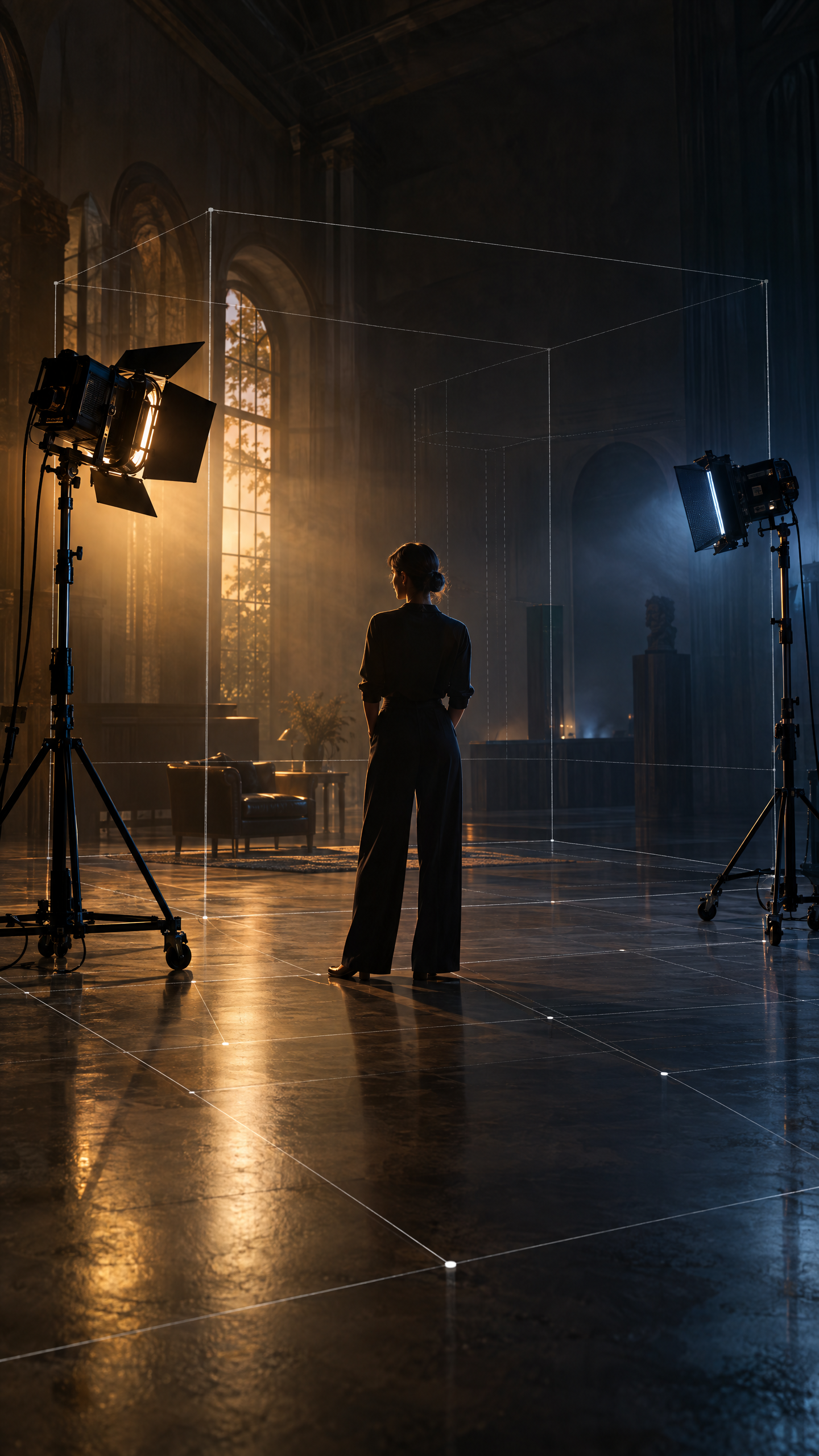
Original WATT-IF planning artwork, not a product screenshot. Final exposure, electrical, rigging, and safety choices require physical tools and qualified crew.
Stage visualization
WATT-IF’s values are physics-informed estimates. Capture-time light remains visible in the reconstructed surface color. The planning view is useful because it makes the lighting conversation concrete before the crew arrives.
Fixture library
The current picker covers LED panels, LED Fresnels, LED COBs, HMIs, tungsten ellipsoidals, and practicals. Seeded models include Aputure LS 600d Pro and Amaran 200d, ARRI SkyPanel and Orbiter, Litepanels Gemini and Astra, ETC Source Four, ARRI M40 HMI, and a 100W practical bulb.
Catalog status, October 2026: manufacturer references are planning inputs. The current registry uses a cone-based approximation until individual IES distributions are sourced and verified. New fixtures are added from manufacturer data sheets, not guessed.
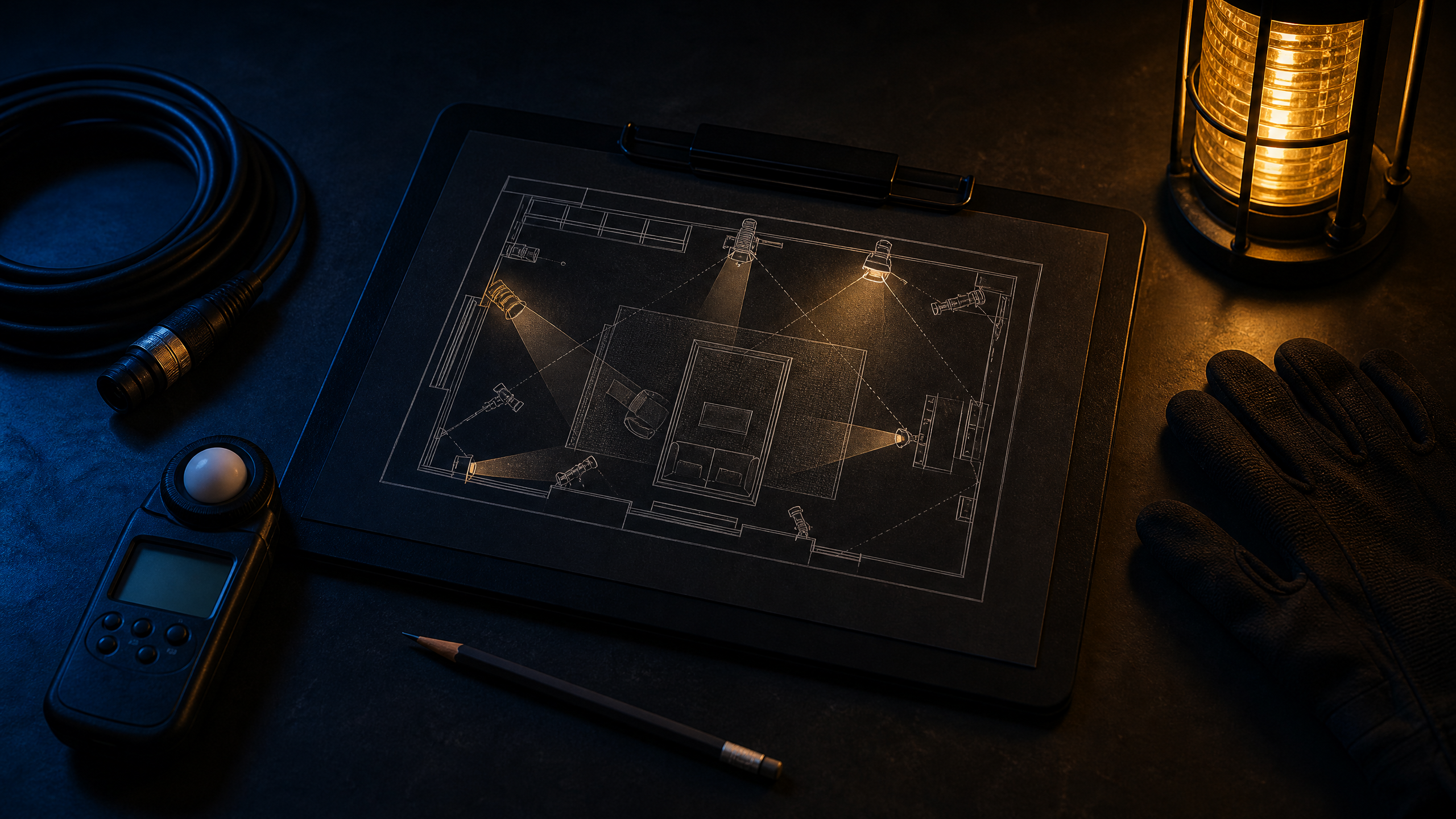
Set Plan concept visual. Publish a native export sample with lux and power-budget tables after final device export QA.